
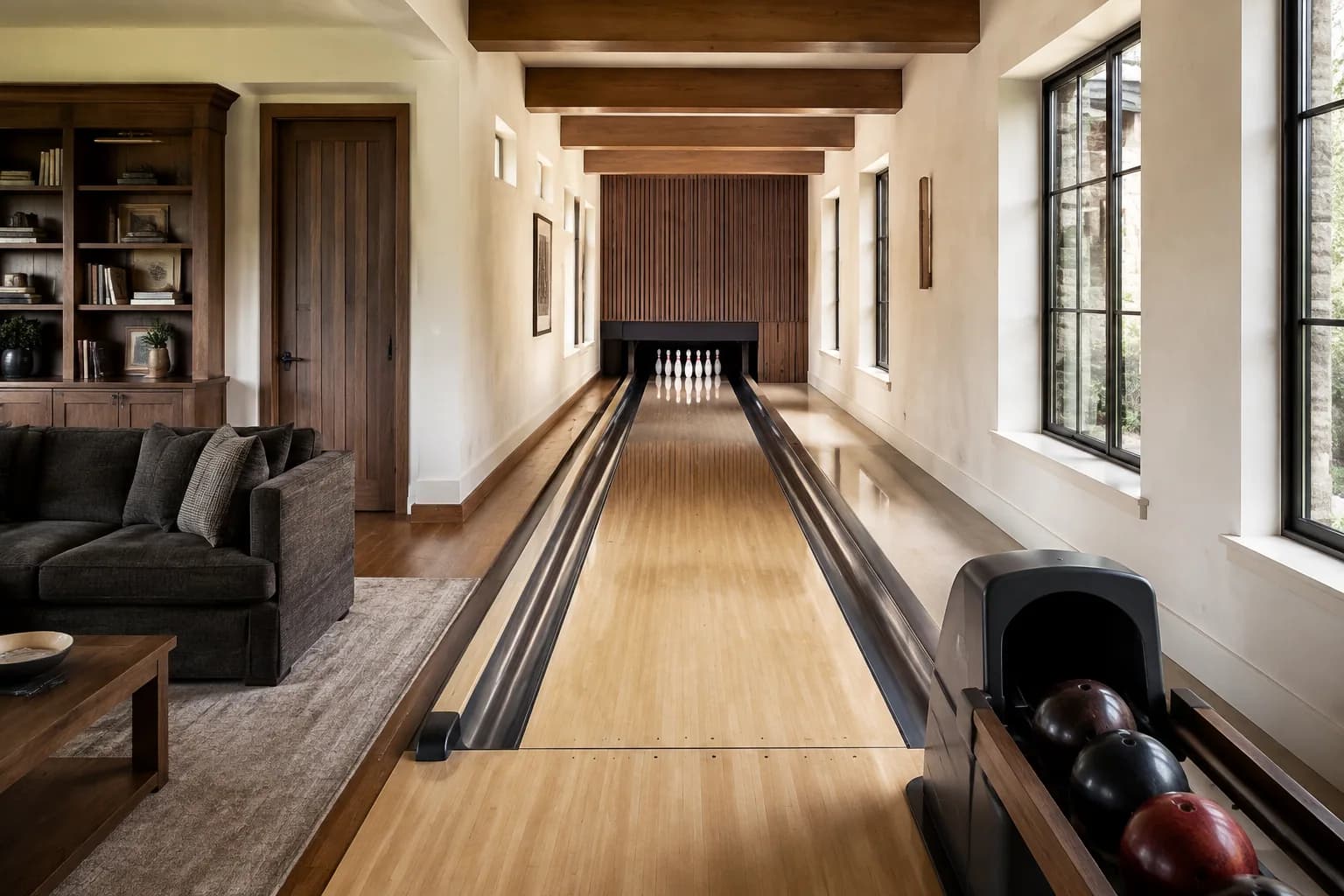
You want to watch the game while someone bowls
There are already screens above the lanes. It seems reasonable to use them for sport or a film too, and avoid adding another television to the room. The question is whether they will work the way your household expects when bowling is happening at the same time.
Ask the bowling supplier and your AV designer to demonstrate that exact situation before you decide. We'd reuse the scoring displays for occasional viewing if the supported setup is comfortable and easy to control. For regular watching from a lounge area, keep a separate TV in consideration until you've tested the view and the competing uses.
Establish what the quoted system supports
Brunswick describes its Sync overhead-display equipment as able to show scoring content and TV programming, including two input sources on a split screen. Its residential portfolio also identifies installations using Sync. Together these make the question worth asking; they do not establish that every residential Sync quote includes the same controller, inputs or configuration.
Have the supplier identify the display and control equipment in your proposal and confirm the supported external source. If you want a particular streaming device or home AV system, name it. Do not assume that a display with an HDMI connection gives you a supported way to combine television and scoring.
Try watching and bowling at the same time
Ask for a demonstration in which a game is underway and the requested video source is playing. Find out whether the score remains visible, whether screens can be assigned separately and what happens when someone starts another game. Have the supplier explain which parts of the demonstration match your quote.
A split-screen feature can sound ideal until the picture is smaller than you enjoy from the sofa. Alternatively, one person may be happy watching between turns while everyone follows the score. Describe your usual evening rather than buying the most elaborate mode available.
Judge the screen from the seat you will use
Sit in the viewing position during a comparable demonstration, with permission. Notice whether you can comfortably follow the picture and read the information that matters to you. Ask the designer to check the proposed arrangement in your own room, including the relationship between the sofa, lane activity and displays.
The best position for seeing a score while bowling may differ from the position you want for a long programme. If television is a major reason for using the lounge, compare a separate screen located for that purpose. You may prefer that arrangement even when the overhead displays can technically show the same source.
Put the controls and sound in the joint scope
Ask the AV and bowling teams who supplies the source, integrates the controls and proves the requested functions work together. Have them explain the normal sequence for watching, starting bowling, adjusting the intended audio and returning to the ordinary score display.
Try that sequence as an owner would. If guests need a member of staff to recover the scoring view every time they change the source, the setup may not suit your home. Ask which functions remain available if a streaming account or internet connection is unavailable; the answer must come from the proposed system, not a general assumption about smart TVs.
Keep wiring, mounting and compatibility decisions with the qualified installers. This is a buying comparison, not a reason to modify the scoring system yourself.
Spend on the way you actually entertain
Compare the complete integration quote with the separate-TV alternative, including controls, audio coordination and the owner demonstration. Ask who handles a later fault that crosses the bowling and AV equipment. A single shared screen arrangement is not automatically cheaper once the integration is included.
Bring a simple use case to the decision: two people bowling while two watch sport, or the whole group watching after the lanes stop. Our home bowling experts can help you turn that picture of the evening into a clear conversation with the providers.